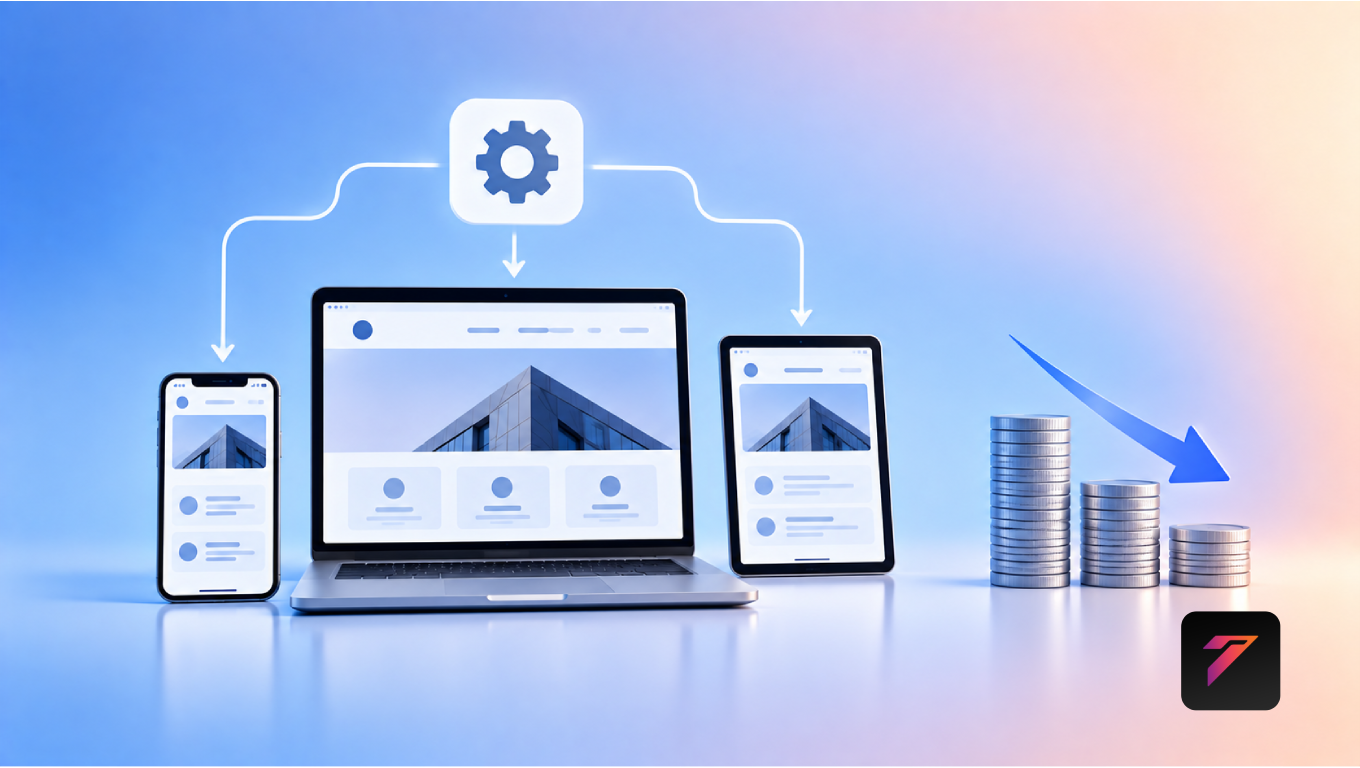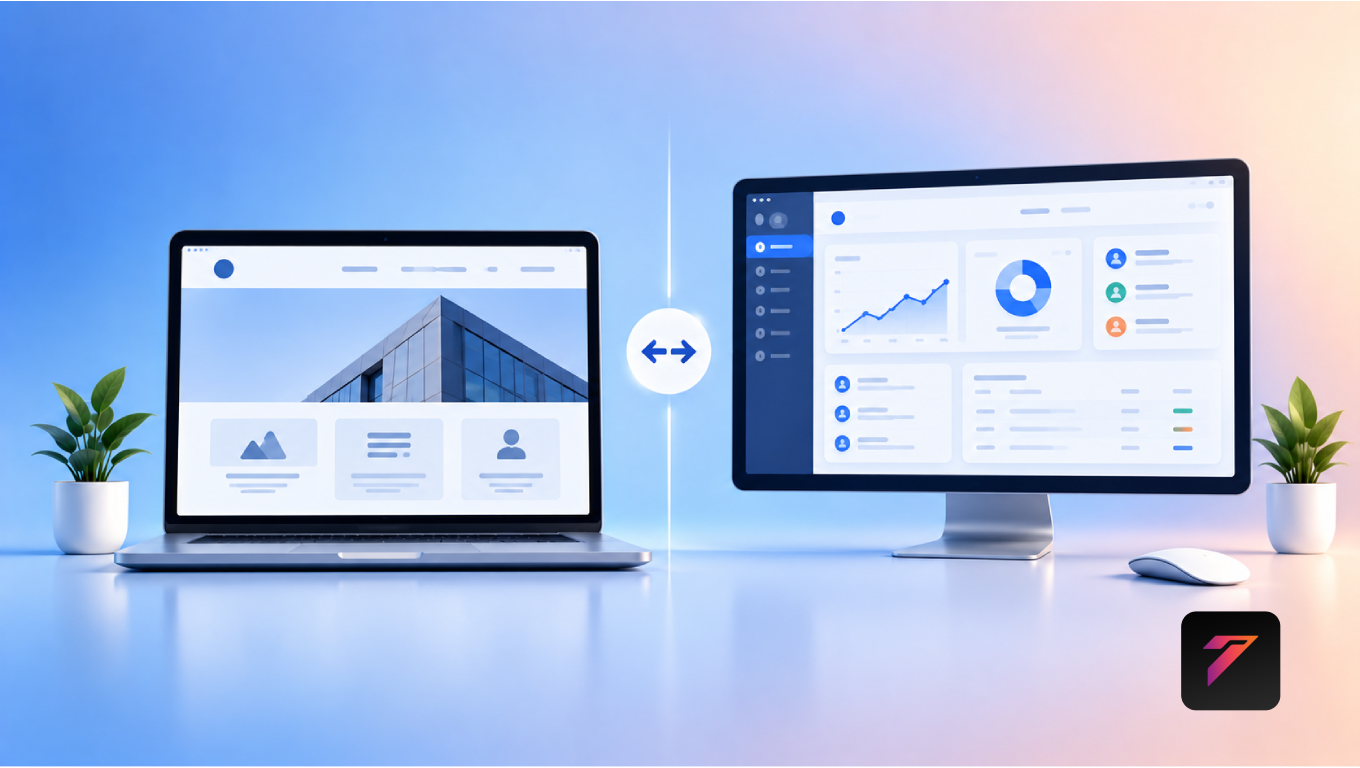

Modern businesses increasingly operate across websites, mobile applications, customer portals, CRM systems, payment platforms, and other digital tools. When these systems operate independently, customers may experience inconsistent information while employees may need to move data manually between platforms.
This is where mobile app integration becomes valuable.
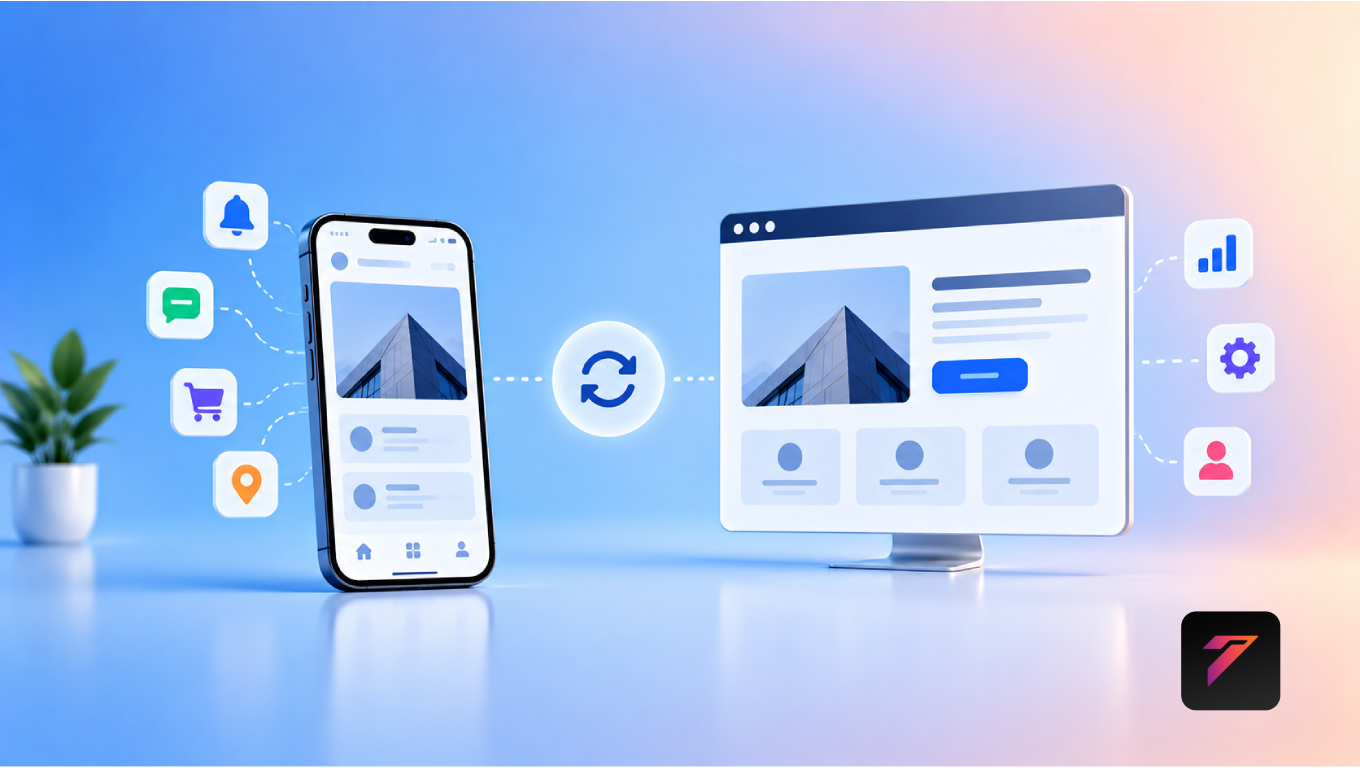
Mobile app integration connects a business website with a mobile application and, where required, other systems such as CRM, ERP, payment gateways, booking platforms, analytics tools, and APIs. The goal is to create a more connected digital ecosystem where information and functionality can move between platforms efficiently.
For example, a customer may discover a business through its website, create an account, continue using the mobile application, receive notifications, and track an order through the same connected account. Behind the scenes, APIs and backend services can synchronize relevant information.
For businesses, integration can improve customer convenience, reduce duplicated processes, support automation, and provide a more consistent digital experience.
In this guide, we will explore what mobile app integration means, how it works, its benefits for business websites, common integration types, security considerations, use cases, development challenges, best practices, and how businesses can plan an effective integration strategy.
What Is Mobile App Integration?
Mobile app integration is the process of connecting a mobile application with a website, backend system, API, database, or third-party platform.
A simple business ecosystem might look like:
Website → API → Backend → Mobile App
A more advanced ecosystem could include:
Website + Mobile App + CRM + ERP + Payment Gateway + Analytics
The integration allows relevant systems to exchange information according to defined rules and permissions.
For example, when a customer updates their profile through a mobile application, the change can be sent to the backend and reflected on the website when the same account is accessed.
Why Mobile App Integration Matters
A business website is often the primary digital touchpoint for customers. A mobile application can provide additional functionality and convenience.
Without integration, these platforms may become disconnected.
Customers could encounter:
- Different account information
- Inconsistent order status
- Duplicate registration
- Repeated data entry
- Different product information
- Delayed updates
With appropriate integration, businesses can create a more consistent experience.
How Mobile App Integration Works
Most modern integrations use APIs and backend services.
A simplified process looks like this:
Website → API Request → Backend → Database → Mobile App
For example:
- A customer creates an account on the website.
- The website sends the information to the backend.
- The backend stores the account details.
- The mobile application requests the account information.
- The customer sees the same profile through the app.
The actual architecture can be more complex depending on the systems involved.
Build a Website That Grows Your Business
A professionally developed website is the foundation of your online success. If you’re planning to create a responsive, fast, and SEO-friendly business website, explore our Website Development Services to see how Hashseven can help transform your ideas into a powerful digital presence.
The Role of APIs in Mobile App Integration
APIs, or Application Programming Interfaces, allow different software systems to communicate.
A business may use APIs to connect:
- Website
- Mobile application
- CRM
- ERP
- Payment gateway
- Inventory system
- Shipping platform
- Marketing platform
- Analytics system
For example:
Website → Customer API → CRM
and:
Mobile App → Customer API → CRM
Both platforms can use the same backend services while maintaining separate user interfaces.
1. Create a Consistent Customer Experience
One of the biggest advantages of mobile app integration is consistency.
Customers may interact with a business through:
- Website
- Mobile app
- Customer portal
- Social media
- Support channels
When these systems share appropriate data, customers can experience more consistent information.
For example, an order placed through a website can appear in the customer’s mobile application without requiring a separate order entry.
2. Synchronize Customer Accounts
Integrated systems can allow customers to use the same account across multiple channels.
For example:
Website Registration → Shared Account → Mobile App Login
Customers do not necessarily need to create separate accounts for every platform.
This can simplify account management and reduce friction.
3. Improve Order Tracking
E-commerce and service businesses can use integration to provide consistent order information.
A customer might:
- Place an order through the website.
- Receive confirmation.
- Open the mobile application.
- View the order.
- Track its status.
- Receive updates.
The website and app can retrieve information from the same backend system.
4. Support Real-Time Information
Depending on the architecture, integrated systems can provide frequently updated information.
Examples include:
- Order status
- Inventory availability
- Appointment schedules
- Delivery tracking
- Account balances
- Service requests
- Project status
The frequency and speed of updates depend on the APIs, databases, infrastructure, and synchronization architecture.
5. Improve Customer Convenience
Customers increasingly expect businesses to provide convenient digital interactions.
A website can provide:
- Detailed information
- Search visibility
- Product discovery
- Content
A mobile application can provide:
- Personalized access
- Notifications
- Mobile-specific interactions
- Account management
- Quick actions
Integration allows customers to move between these experiences without losing relevant information.
6. Enable Push Notifications
Mobile applications can provide notifications for events such as:
- New orders
- Delivery updates
- Appointment reminders
- Promotional offers
- Payment confirmations
- Account activity
- Service updates
The website or backend can trigger events that are delivered through the mobile application.
Businesses should use notifications carefully and provide appropriate user controls.
7. Connect Website and Mobile E-Commerce
E-commerce businesses can connect their website and mobile application to the same commerce backend.
For example:
Website
- Product browsing
- Shopping cart
- Checkout
Mobile App
- Product browsing
- Personalized offers
- Order tracking
- Notifications
Backend
- Products
- Customers
- Orders
- Inventory
- Payments
This architecture can help maintain consistent commerce data.
8. Improve Lead Management
Businesses can connect website forms with mobile applications and CRM systems.
For example:
Website Form → API → CRM → Sales App
A sales representative could receive relevant lead information through a mobile application.
This can help businesses reduce delays between lead submission and follow-up.
9. Support Sales Teams
Sales teams often work away from their desks.
An integrated mobile application can allow sales employees to:
- View customer information
- Update lead status
- Add notes
- Check product information
- Submit quotations
- Track sales activities
Information entered through the mobile application can be synchronized with the business’s central systems.
10. Improve Customer Support
Integration can connect customer support across multiple channels.
For example:
Website Support Request → CRM → Mobile App Notification → Support Team
Customers can submit a request through the website while support teams manage the request through an internal application.
This can create a more connected support workflow.
11. Connect Websites With CRM Systems
CRM integration is particularly useful for businesses that manage large numbers of customers or leads.
Website activities such as:
- Contact form submissions
- Registration
- Product inquiries
- Demo requests
- Newsletter subscriptions
can be connected to a CRM.
The mobile application can then provide authorized employees with access to relevant customer information.
12. Connect Websites With ERP Systems
ERP systems manage business operations such as:
- Inventory
- Finance
- Procurement
- Sales
- Human resources
- Operations
A website and mobile application can interact with ERP data through appropriate APIs and backend services.
For example:
Website Order → Backend → ERP → Inventory Update
This can reduce manual data transfer between systems.
13. Improve Inventory Visibility
Businesses with physical products can connect inventory systems with websites and mobile applications.
Customers may see:
- Product availability
- Stock status
- Estimated delivery
- Store availability
Employees may use the mobile application to:
- Update stock
- Scan products
- Check inventory
- Record transfers
The actual functionality depends on the underlying inventory system.
14. Support Online Booking
Service businesses can integrate booking functionality across websites and mobile applications.
For example:
Website → Booking API → Scheduling System → Mobile App
Customers can book an appointment through the website and later view the appointment through the mobile application.
This can help create a consistent scheduling experience.
15. Connect Payment Systems
Businesses can integrate websites and mobile applications with payment services.
Payment integrations may support:
- Online payments
- Subscription billing
- Refunds
- Payment confirmations
- Transaction records
Sensitive payment information should be handled according to applicable security requirements and the payment provider’s architecture.
16. Support Customer Portals
A customer portal can connect web and mobile experiences.
Customers may be able to:
- View orders
- Download invoices
- Submit support requests
- Track projects
- Update profiles
- Manage subscriptions
The same backend services can support both web and mobile interfaces.
17. Enable Personalized Experiences
Integrated systems can provide relevant information based on a customer’s account and activity.
For example:
Customer Account → CRM → Website + Mobile App
Customers may see:
- Previous purchases
- Recommended products
- Saved items
- Personalized offers
- Recent activity
Personalization should be implemented transparently and in accordance with applicable privacy requirements.
18. Reduce Duplicate Data Entry
Without integration, employees may need to enter the same information into several systems.
For example:
Website Lead
↓ Manual Entry
CRM
↓ Manual Entry
Sales Application
Integration can instead automate appropriate data transfer:
Website → API → CRM → Mobile Application
This can reduce repetitive administrative work.
19. Improve Business Automation
Integration creates opportunities for automated workflows.
For example:
Customer Places Order
↓
Website Sends Order
↓
Backend Processes Order
↓
ERP Updates Inventory
↓
Mobile App Receives Notification
↓
Customer Tracks Order
The exact workflow depends on the business’s systems and requirements.
20. Provide Better Business Analytics
Integrated systems can collect data from multiple digital channels.
Businesses may analyze:
- Website activity
- App activity
- Orders
- Customer behavior
- Leads
- Conversions
- Support requests
Centralized analytics can help businesses understand customer journeys across platforms.
Mobile App Integration for Different Industries
E-Commerce
Possible integrations include:
- Product catalogs
- Shopping carts
- Orders
- Payments
- Inventory
- Delivery tracking
Healthcare
Depending on applicable requirements, integrations may support:
- Appointment management
- Patient portals
- Notifications
- Administrative workflows
Education
Possible integrations include:
- Student portals
- Course information
- Notifications
- Attendance
- Assessments
Banking and Finance
Applications can connect with:
- Account information
- Transactions
- Notifications
- Authentication systems
Financial applications require particularly strong security and regulatory controls.
Construction
Businesses can connect websites and mobile applications with:
- Project management
- Estimation
- Document systems
- Customer portals
- Site reporting
- Task management
Travel and Hospitality
Possible integrations include:
- Booking systems
- Customer accounts
- Payment platforms
- Notifications
- Loyalty programs
Mobile App Integration and Website SEO
Integrating a mobile application with a website does not automatically improve SEO.
However, the website can remain an important source of organic traffic.
Businesses should ensure that important public content remains accessible through search-friendly web pages.
SEO fundamentals can include:
- Descriptive page titles
- Search-friendly URLs
- Useful content
- Internal links
- Structured data where appropriate
- Mobile-friendly design
- Strong page performance
Google’s SEO Starter Guide provides guidance for optimizing websites for search.
Mobile App Integration and Website Performance
Integration can affect website performance if APIs are slow or poorly implemented.
Businesses should consider:
- API response times
- Database queries
- Caching
- API request frequency
- Image optimization
- Content delivery
- Error handling
Only the data required by the page should generally be requested.
Performance can be evaluated using tools such as Google PageSpeed Insights.
Mobile App Integration and Security
Security is one of the most important aspects of integration.
Businesses should consider:
- HTTPS
- Authentication
- Authorization
- API authentication
- Token management
- Input validation
- Rate limiting
- Encryption
- Secure session management
- Access controls
- Logging
- Monitoring
APIs should expose only the data and operations required by authorized users and systems.
The OWASP API Security Top 10 provides useful guidance on common API security risks.
Data Privacy and Mobile App Integration
Integrated systems can exchange personal and business information.
Businesses should determine:
- What data is collected
- Why it is collected
- Where it is stored
- Who can access it
- How long it is retained
- How it is transferred
Privacy requirements vary by jurisdiction, industry, and type of information.
Businesses should obtain appropriate legal and compliance guidance for their specific circumstances.
Mobile App Integration Architecture
A typical architecture might look like:
Website
↓
API Gateway / Backend
↓
Business Logic
↓
Database
↓
Mobile Application
The backend can also connect with:
CRM
ERP
Payment Gateway
Analytics
Notification Services
This approach allows different interfaces to use shared business services.
Common Integration Methods
REST APIs
REST APIs are widely used for communication between web and mobile applications.
GraphQL
GraphQL can allow applications to request specific data through a structured query interface.
Webhooks
Webhooks can notify systems when specific events occur.
SDKs
Third-party SDKs can simplify integration with services such as payments, analytics, maps, or authentication.
Cloud Services
Cloud platforms can provide infrastructure for APIs, databases, authentication, storage, and monitoring.
The appropriate integration method depends on the systems involved.
Challenges of Mobile App Integration
1. Compatibility Issues
Different platforms and systems may use different technologies or data formats.
2. Security Risks
Every integration introduces additional communication points that need protection.
3. API Changes
Third-party APIs can change, requiring updates.
4. Data Synchronization
Systems need clear rules for handling conflicting or outdated information.
5. Performance
Slow APIs or inefficient queries can affect user experience.
6. Maintenance
Integrations require monitoring and updates over time.
7. Complexity
Connecting many systems can create a complicated architecture.
These challenges can be managed through proper planning, documentation, testing, monitoring, and security practices.
Best Practices for Mobile App Integration
Businesses should:
- Define clear integration objectives.
- Identify all systems involved.
- Document data flows.
- Design APIs carefully.
- Use secure authentication.
- Apply authorization controls.
- Validate input data.
- Minimize unnecessary API requests.
- Use caching where appropriate.
- Handle API failures gracefully.
- Monitor API performance.
- Maintain detailed logs.
- Version APIs when necessary.
- Test integrations thoroughly.
- Protect sensitive information.
- Plan for third-party API changes.
- Document dependencies.
- Establish backup and recovery processes.
- Monitor security continuously.
- Review integrations as business requirements evolve.
How to Plan Mobile App Integration
Step 1: Identify Business Goals
Determine what the integration should accomplish.
Step 2: Map Existing Systems
List:
- Website
- Mobile application
- CRM
- ERP
- Payment systems
- Databases
- Analytics tools
Step 3: Identify Data Flows
Determine which system creates, updates, and consumes each type of data.
Step 4: Select Integration Methods
Choose APIs, webhooks, SDKs, or other appropriate technologies.
Step 5: Design Security
Define authentication, authorization, encryption, and access controls.
Step 6: Develop and Test
Build the integration and test real-world workflows.
Step 7: Monitor
Track:
- API errors
- Response times
- Failed requests
- Security events
- Data synchronization
Step 8: Improve
Use monitoring data and user feedback to improve the integration over time.
Common Mistakes to Avoid
Building Integrations Without Clear Requirements
Businesses should understand the data and workflows before development begins.
Exposing Too Much Data
APIs should follow the principle of least privilege.
Ignoring Error Handling
Applications should gracefully handle failed API requests.
Hard-Coding Third-Party Dependencies
Integrations should be designed to accommodate changes where practical.
Ignoring API Documentation
Clear documentation helps development and maintenance.
Skipping Security Testing
Integration points should be tested for common vulnerabilities.
Creating Too Many Direct Connections
A large number of point-to-point connections can become difficult to maintain.
A well-designed backend or integration layer can simplify the architecture.
How Mobile App Integration Supports Digital Transformation
Digital transformation is not simply about adopting more software.
It involves connecting technology with business processes.
Integrated websites and mobile applications can help businesses:
- Automate processes
- Connect departments
- Improve customer experiences
- Reduce manual work
- Centralize information
- Improve data visibility
- Support new digital services
Integration can therefore become part of a broader digital transformation strategy.
Future of Mobile App Integration
Mobile and web ecosystems are becoming increasingly connected.
Future business applications are likely to continue using:
- API-driven architectures
- Cloud platforms
- AI-powered services
- Real-time data
- Automated workflows
- Customer portals
- Connected analytics
- Personalization
Businesses will need flexible architectures that can evolve as new digital channels and services emerge.
Conclusion
Mobile app integration allows businesses to connect their websites, mobile applications, backend systems, and third-party services into a more coordinated digital ecosystem.
When implemented properly, integration can support consistent customer accounts, order tracking, notifications, CRM connectivity, ERP workflows, payments, customer portals, analytics, and business automation.
The value of integration depends on good architecture. Businesses need to define their goals, map data flows, secure APIs, test integrations, monitor performance, and plan for long-term maintenance.
A website and mobile application do not have to operate as separate digital islands. With the right integration strategy, they can become connected parts of a broader business platform.
Frequently Asked Questions
1. What is mobile app integration?
Mobile app integration is the process of connecting a mobile application with a website, backend system, API, database, CRM, ERP, payment platform, or other digital service so they can exchange relevant information.
2. Why is mobile app integration important for businesses?
It can create a more consistent customer experience, synchronize information, reduce duplicate data entry, support automation, connect business systems, and provide users with seamless access across web and mobile platforms.
3. Can a website and mobile app use the same database?
Yes. A website and mobile application can access the same backend services and database through APIs, provided the architecture is designed securely and appropriately.
4. How much does mobile app integration cost?
The cost depends on the number of systems involved, API complexity, data requirements, authentication, security, development effort, testing, and ongoing maintenance. A detailed technical scope is needed for an accurate estimate.
5. Is mobile app integration secure?
It can be secure when implemented using appropriate authentication, authorization, encryption, input validation, access controls, secure APIs, monitoring, and regular security testing. Security requirements should be defined according to the data and systems involved.
Ready to Build a Professional Website for Your Business?
Turn your business into a powerful online brand with Hashseven.
Since 2017, we’ve helped businesses grow through professional website development, mobile apps, custom software, SEO, digital marketing, CRM, POS solutions, and Meta-approved WhatsApp automation. Let’s create a fast, secure, and conversion-focused website that attracts more customers and drives real business growth.