

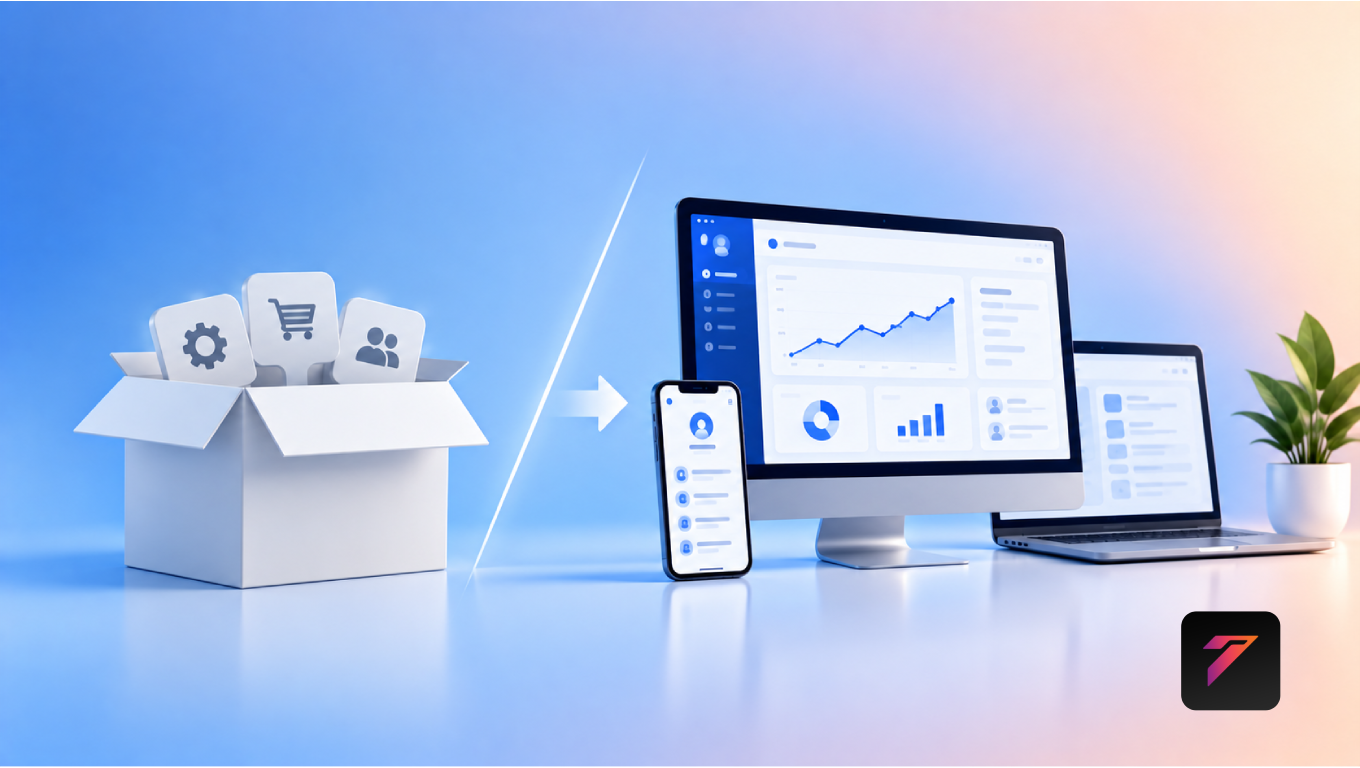

Businesses rely on software to manage operations, serve customers, automate processes, and support growth. While off-the-shelf software can provide useful features quickly, it may not always fit the way a business actually works. As requirements become more complex, organizations often need software that can adapt to their processes rather than forcing employees to adapt to a fixed system.
This is where custom web applications can provide a different approach.
Custom web applications are browser-based software solutions developed around specific business requirements. They can be designed to support unique workflows, integrate with existing systems, automate repetitive tasks, and scale as business needs change.
Off-the-shelf software still has an important place in many businesses, particularly when standard features meet operational requirements. However, businesses with specialized workflows, complex integrations, or long-term digital transformation plans may benefit from a custom approach.
In this guide, we will explore the differences between custom and off-the-shelf solutions, the benefits of custom web applications, important considerations, common use cases, development costs, security, scalability, integrations, and how businesses can determine which approach fits their requirements.
What Are Custom Web Applications?
A custom web application is software developed specifically for a business, organization, or particular operational requirement.
Unlike a standard software product designed for a broad market, a custom application can be built around the organization’s:
- Business processes
- User roles
- Data requirements
- Workflow
- Industry requirements
- Integration needs
- Security requirements
- Reporting requirements
- Growth plans
Because the application runs through a web browser, users can generally access it from supported devices without installing traditional desktop software.
Examples include:
- Customer portals
- Business management systems
- Custom CRM platforms
- Project management applications
- Inventory systems
- Booking platforms
- Employee portals
- E-commerce platforms
- Reporting dashboards
- Workflow automation systems
What Are Off-the-Shelf Solutions?
Off-the-shelf solutions are pre-built software products developed for a broad group of users.
They commonly provide standardized features such as:
- User management
- Reporting
- Billing
- Communication
- Document management
- Customer management
- Project tracking
Businesses can usually subscribe to or purchase these solutions and begin using them relatively quickly.
Their primary advantage is that businesses do not need to build the entire system from the beginning.
However, the available functionality is generally determined by the software provider.
Build a Website That Grows Your Business
A professionally developed website is the foundation of your online success. If you’re planning to create a responsive, fast, and SEO-friendly business website, explore our Website Development Services to see how Hashseven can help transform your ideas into a powerful digital presence.
Custom vs Off-the-Shelf Software
The fundamental difference is flexibility.
| Custom Web Applications | Off-the-Shelf Solutions |
|---|---|
| Built around specific requirements | Built for a broad market |
| Flexible workflows | Standard workflows |
| Custom integrations | Available integrations |
| Business-specific features | Predefined features |
| Greater control over functionality | Provider-controlled roadmap |
| Can evolve with business requirements | Changes depend on vendor |
| Custom user experience | Standard interface |
| Potentially higher initial development effort | Usually faster initial deployment |
Neither approach is universally appropriate. The right option depends on business requirements, budget, timeline, technical capabilities, and long-term objectives.
Why Businesses Choose Custom Web Applications
Businesses often consider custom software when existing solutions create operational limitations.
Common reasons include:
- Unique business workflows
- Multiple disconnected systems
- Repetitive manual tasks
- Complex reporting requirements
- Industry-specific processes
- Need for custom integrations
- Growing user base
- Specialized customer experiences
- Data ownership requirements
When software requirements become closely tied to business operations, customization can become increasingly valuable.
1. Built Around Your Business Processes
One of the main benefits of custom web applications is that the software can be designed around actual business workflows.
For example, a company may follow:
Lead → Qualification → Proposal → Approval → Project → Billing
A standard application may require employees to adapt this process to its predefined workflow.
A custom application can instead be designed around the company’s existing process.
This can make software easier to integrate into daily operations.
2. Better Workflow Efficiency
Custom applications can automate repetitive processes.
Examples include:
- Automatic notifications
- Approval workflows
- Data validation
- Report generation
- Task assignment
- Invoice creation
- Customer updates
- Status tracking
Automation can reduce repetitive manual work and help employees spend more time on higher-value activities.
3. Improved User Experience
Off-the-shelf applications often need to support a wide range of users.
As a result, businesses may encounter features they never use or workflows that do not match their operations.
Custom applications can be designed around specific user roles.
For example:
Admin: Full system management
Manager: Reports and approvals
Employee: Assigned tasks and updates
Customer: Orders, documents, and support
Role-specific interfaces can make important information easier to access.
4. Greater Feature Flexibility
Custom software allows businesses to define the features they actually need.
Instead of selecting a software package and adapting operations to it, businesses can prioritize functionality based on their requirements.
Possible custom features include:
- Advanced dashboards
- Custom reports
- Workflow engines
- Automated approvals
- Specialized calculators
- Customer portals
- Document generation
- Custom notifications
- Role-based permissions
5. Easier Integration With Existing Systems
Businesses often use multiple platforms.
For example:
Website + CRM + ERP + Payment Gateway + Accounting Software
If these systems operate separately, employees may need to move data manually between platforms.
Custom web applications can be developed to integrate with appropriate APIs and business systems.
This can create more connected workflows.
6. Reduced Data Duplication
Disconnected software systems can result in duplicate data entry.
For example, customer information may need to be entered separately into:
- Website
- CRM
- Billing system
- Support platform
With appropriate integrations, data can move between systems automatically.
This can reduce repetitive work and help maintain more consistent information.
7. Scalability for Growing Businesses
Software requirements often change as businesses grow.
A company may start with:
10 employees → 50 employees → 200 employees
Its software requirements can change along the way.
Custom applications can be architected with future requirements in mind, including:
- More users
- More data
- Additional locations
- New workflows
- New integrations
- Additional business units
Scalability depends on the application’s architecture, infrastructure, database design, and development practices.
8. Greater Control Over the Product Roadmap
With off-the-shelf software, the provider determines:
- New features
- Product changes
- Interface updates
- Integration availability
- Pricing changes
- Deprecation schedules
With a custom application, the business has greater influence over its development roadmap.
This allows organizations to prioritize features according to business requirements.
9. Custom Security Requirements
Different businesses have different security requirements.
Custom applications can be designed with appropriate security controls such as:
- Role-based access
- Authentication
- Authorization
- Encryption
- Audit logs
- Secure APIs
- Session management
- Data validation
Security should be incorporated throughout development rather than added only after deployment.
The appropriate controls depend on the application’s data, users, industry, and regulatory requirements.
10. Better Data Visibility
Custom dashboards can present information according to business requirements.
For example, a management dashboard might display:
- Sales performance
- Lead pipeline
- Revenue
- Pending approvals
- Inventory
- Project status
- Customer activity
Instead of navigating through multiple software modules, users can see important information in a centralized interface.
11. Advanced Reporting
Standard software may provide predefined reports.
Custom applications can support business-specific reporting requirements.
Examples include:
- Department reports
- Custom financial summaries
- Operational reports
- Sales reports
- Inventory analysis
- Customer reports
- Performance dashboards
Reports can be designed around the metrics that matter most to the organization.
12. Improved Customer Experience
Custom web applications can provide customers with personalized digital experiences.
For example, a customer portal may allow users to:
- View orders
- Download invoices
- Track requests
- Submit support tickets
- Update account details
- Monitor project progress
This can reduce the need for customers to rely entirely on email or phone communication.
13. Support for Business Automation
Custom applications can automate processes that standard software cannot handle without extensive configuration.
Examples include:
Lead Assignment
New leads can automatically be assigned to the appropriate team.
Approval Automation
Requests can be routed to managers based on predefined conditions.
Notifications
Users can receive notifications when specific events occur.
Document Generation
Documents can be created automatically from stored information.
Automation requirements can be built directly into the application’s workflow.
14. Avoid Unnecessary Features
Off-the-shelf platforms often include many features because they serve different customer segments.
Businesses may pay for functionality they rarely use.
Custom software can focus development on the features that directly support business operations.
However, businesses should avoid unnecessary customization. Every additional feature adds development, testing, maintenance, and security considerations.
15. More Consistent Business Processes
When different teams use different tools, processes can become inconsistent.
A centralized custom application can establish standardized workflows.
For example:
Request → Review → Approval → Execution → Completion
Everyone follows the same process, while role-based permissions determine what each person can access.
16. Easier Integration With Internal Tools
Custom applications can also connect internal business systems.
For example:
HR → Employee Management
Sales → CRM
Operations → Workflow Management
Finance → Billing
Management → Analytics
The goal is to create a connected digital environment instead of isolated systems.
17. Better Long-Term Flexibility
Business requirements change.
A company may introduce:
- New services
- New locations
- New products
- New departments
- New customer segments
- New sales channels
A custom application can evolve alongside these changes.
The actual flexibility depends on how the software is architected and maintained.
18. Custom API Integration
APIs allow software systems to communicate with each other.
Custom web applications can integrate with:
- Payment gateways
- CRM systems
- ERP systems
- Accounting platforms
- Shipping services
- Communication tools
- Analytics platforms
- Authentication services
This can help create automated data flows between business systems.
19. Better Support for Complex Workflows
Some businesses operate with complex approval and decision-making processes.
For example:
Employee Request → Department Manager → Finance → Senior Management → Final Approval
A generic application may not provide the exact workflow required.
Custom development can implement business-specific rules and approval stages.
20. Competitive Differentiation
Software can sometimes become part of a company’s competitive advantage.
For example, a business may offer customers:
- A specialized customer portal
- Real-time order tracking
- Automated quotations
- Personalized dashboards
- Faster service workflows
These digital experiences can become part of the overall customer experience.
When Off-the-Shelf Software May Be Enough
Custom software is not automatically the right choice.
Off-the-shelf solutions may be suitable when:
- Requirements are standard
- The budget is limited
- Fast deployment is important
- Existing features meet business needs
- Required integrations are already available
- The business does not require specialized workflows
For a small team that needs basic project management, accounting, or email marketing functionality, an established SaaS product may be practical.
The decision should be based on requirements rather than the assumption that customization is always better.
When Custom Web Applications Make Sense
Custom development may be worth considering when:
- Existing software does not fit your workflows
- Multiple systems need integration
- Manual processes consume significant time
- Reporting requirements are specialized
- Customer experiences need customization
- Business processes are unique
- User roles require different interfaces
- The organization expects significant growth
- Software is becoming strategically important
Custom Web Applications for Different Industries
Custom web applications can support many industries.
Manufacturing
Possible applications include:
- Production tracking
- Inventory management
- Quality control
- Supplier management
- Production dashboards
Healthcare
Depending on applicable regulations and requirements, applications may support:
- Appointment management
- Patient portals
- Administrative workflows
- Reporting
- Communication
Education
Examples include:
- Student portals
- Course management
- Attendance systems
- Online assessments
- Administrative dashboards
Construction
Applications can support:
- Project management
- Estimation
- Document management
- Material tracking
- Approval workflows
- Client portals
Retail
Potential applications include:
- Inventory management
- Order processing
- Customer management
- Loyalty systems
- Sales dashboards
Custom Web Applications and CRM
Businesses sometimes require CRM functionality that goes beyond standard customer management.
A custom CRM can be designed around:
- Lead management
- Sales stages
- Customer communication
- Custom fields
- Approval workflows
- Reporting
- Notifications
- Integrations
Businesses can also combine a custom web application with an existing CRM when complete replacement is unnecessary.
Custom Web Applications and ERP
ERP systems connect multiple business functions.
A custom application can support specialized requirements that may not be fully addressed by a standard ERP implementation.
Possible modules include:
- Inventory
- Procurement
- Sales
- Finance
- Human resources
- Project management
- Reporting
A hybrid approach can also combine an existing ERP with custom applications and integrations.
Custom Web Applications and E-Commerce
Businesses with specialized e-commerce requirements may benefit from custom development.
Examples include:
- Complex product configuration
- Custom pricing
- B2B ordering
- Customer-specific catalogs
- Subscription workflows
- Custom checkout processes
- Specialized order management
Custom development can be used alongside established e-commerce platforms rather than replacing them completely.
Cloud-Based Custom Web Applications
Many modern web applications are deployed using cloud infrastructure.
Cloud platforms can provide capabilities such as:
- Flexible infrastructure
- Managed databases
- Monitoring
- Automated deployment
- Backup systems
- Scalable computing resources
Cloud architecture should be selected according to application requirements, performance expectations, security needs, and budget.
Responsive Web Application Development
Because users may access applications from different devices, responsive design is important.
Custom web applications can be designed for:
- Desktop
- Laptop
- Tablet
- Smartphone
The interface should adapt to different screen sizes while maintaining usability.
Custom Web Applications and Accessibility
Accessibility should be considered during design and development.
Businesses can follow established accessibility guidance such as the W3C Web Accessibility Initiative.
Important considerations include:
- Keyboard navigation
- Clear form labels
- Accessible buttons
- Sufficient contrast
- Logical headings
- Screen-reader compatibility
- Visible focus indicators
Accessibility can improve usability for a broader range of users.
How Much Do Custom Web Applications Cost?
The cost of custom web applications varies significantly.
Factors include:
- Number of features
- Design complexity
- User roles
- Integrations
- Database requirements
- Security requirements
- Development time
- Testing
- Hosting
- Maintenance
- Third-party services
A simple internal application may require considerably less development effort than a large enterprise platform.
Businesses should define requirements and scope before requesting development estimates.
Initial Cost vs Long-Term Value
Custom development can require a larger initial investment than subscribing to an existing software product.
However, businesses should evaluate the total cost of ownership.
Consider:
- Subscription fees
- Per-user pricing
- Integration costs
- Customization charges
- Data migration
- Training
- Support
- Maintenance
- Development
The right comparison should consider both initial and ongoing costs.
Custom Web Applications and Maintenance
Custom software requires ongoing maintenance.
Maintenance may include:
- Security updates
- Bug fixes
- Performance improvements
- Infrastructure updates
- Dependency updates
- Feature enhancements
- Backup management
A maintenance plan should be established before launch.
Common Challenges of Custom Development
Higher Initial Investment
Custom development generally requires more planning and development effort.
Longer Development Time
Building and testing a new application takes time.
Maintenance Responsibility
The application needs ongoing technical support.
Scope Changes
Adding features during development can affect timeline and budget.
Technical Complexity
Complex applications require experienced development and architecture.
These challenges can be managed through clear requirements, project planning, testing, documentation, and ongoing maintenance.
How to Choose Between Custom and Off-the-Shelf Software
Businesses can evaluate the following questions:
- Does existing software support our core workflows?
- Do we need specialized features?
- Do multiple systems need integration?
- How much manual work can be automated?
- Will our requirements change significantly?
- How important is software to our competitive strategy?
- What are the long-term operating costs?
- What security requirements must be addressed?
- What is our expected user growth?
- Do we have the resources to maintain custom software?
The answers can help determine which approach is appropriate.
Step-by-Step Custom Web Application Development Process
Step 1: Identify the Business Problem
Clearly define what the application needs to solve.
Step 2: Gather Requirements
Document:
- Features
- Users
- Workflows
- Data
- Integrations
- Security requirements
Step 3: Define the MVP
Start with the most important features instead of building everything at once.
Step 4: Plan the Architecture
Select appropriate technologies, databases, APIs, hosting, and infrastructure.
Step 5: Design the User Experience
Create wireframes and interface designs around actual user workflows.
Step 6: Develop the Application
Build the front end, back end, database, integrations, and business logic.
Step 7: Test Thoroughly
Test:
- Functionality
- Security
- Performance
- Compatibility
- Accessibility
- User workflows
Step 8: Deploy
Move the application into the production environment.
Step 9: Monitor
Monitor performance, errors, security events, and user behavior.
Step 10: Improve
Use feedback and business requirements to plan future releases.
Best Practices for Custom Web Applications
Businesses should follow these best practices:
- Define clear business objectives.
- Document requirements before development.
- Prioritize essential features.
- Design around actual user workflows.
- Build responsive interfaces.
- Use secure development practices.
- Plan API integrations carefully.
- Use appropriate authentication and authorization.
- Optimize database performance.
- Plan for scalability.
- Implement automated testing where appropriate.
- Monitor application performance.
- Maintain backups.
- Document the system.
- Keep dependencies updated.
- Review security regularly.
- Collect user feedback.
- Avoid unnecessary complexity.
- Establish a maintenance plan.
- Plan future development in phases.
Conclusion
Custom web applications give businesses the ability to build software around their specific workflows, users, integrations, and long-term requirements.
Compared with off-the-shelf solutions, custom applications can provide greater control over functionality, user experience, automation, integrations, reporting, and future development. However, they also require greater planning, development investment, technical expertise, and ongoing maintenance.
Off-the-shelf software remains a practical option when standard functionality meets business requirements. Custom development becomes more relevant when existing solutions create significant workflow limitations or when software is an important part of a company’s operations and digital strategy.
The best approach is to evaluate business requirements, total cost of ownership, scalability, security, integration needs, and expected growth before making a decision.
Frequently Asked Questions
1. What are custom web applications?
Custom web applications are browser-based software solutions developed specifically around a business’s workflows, users, features, integrations, and operational requirements.
2. Are custom web applications better than off-the-shelf software?
The appropriate choice depends on business requirements. Custom web applications provide greater flexibility and control, while off-the-shelf software can provide faster deployment and standardized features.
3. How do custom web applications improve business efficiency?
They can automate repetitive tasks, connect business systems, simplify workflows, centralize information, provide customized dashboards, and reduce manual data entry.
4. How much do custom web applications cost?
Cost depends on application complexity, features, integrations, design, security requirements, development time, infrastructure, and ongoing maintenance. A detailed scope is usually required for an accurate estimate.
5. How long does it take to develop a custom web application?
Development time varies according to project scope and complexity. A simple application may require less development time than a large platform with multiple user roles, integrations, automation workflows, and advanced reporting.
Ready to Build a Professional Website for Your Business?
Turn your business into a powerful online brand with Hashseven.
Since 2017, we’ve helped businesses grow through professional website development, mobile apps, custom software, SEO, digital marketing, CRM, POS solutions, and Meta-approved WhatsApp automation. Let’s create a fast, secure, and conversion-focused website that attracts more customers and drives real business growth.


